
BresBet Login and Registration in the UK
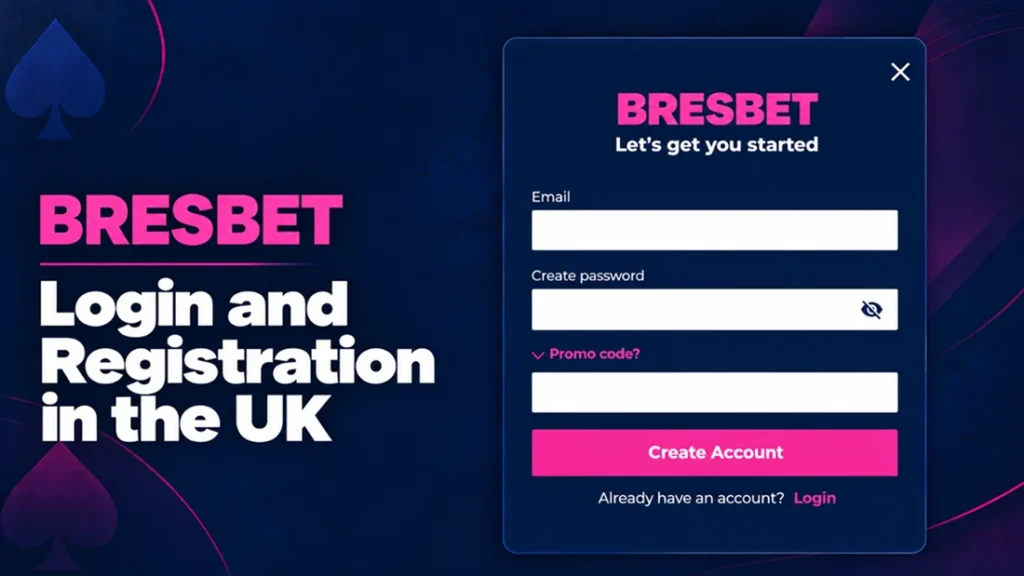
UK players can create a BresBet account through our website or mobile app and then use the same login for casino games and sports betting. Registration remains available only to players aged 18 or over who meet our identity, location and account eligibility requirements.
A registered account gives players secure access to their balance and personal settings. We request identity documents before deposits, withdrawals or real-money play become available.
Benefits and Features Available to Registered Users
BresBet sign up unlocks the account tools that visitors cannot use. Players can manage their money, review previous activity and apply safer gambling controls from one protected account area.
| Account feature | What registered players can do | Practical benefit |
|---|---|---|
| Casino and sportsbook access | Play slots, open live dealer tables and place sports bets | Use the same balance and login across our available products |
| Secure cashier | Deposit and withdraw through the methods shown in the cashier, such as Visa debit or bank transfer | Manage payments without creating a separate payment profile |
| Account history | Review deposits, withdrawals, settled bets and available game records | Track spending and check previous transactions |
| Promotions | View eligible offers, activation rules and remaining bonus progress | Check the terms before accepting an offer |
| Personal settings | Manage contact details, communication preferences and password information | Keep account information accurate and secure |
| Safer gambling controls | Set deposit limits or use time-out and self-exclusion options | Control spending and take a break when needed |
| Customer support | Contact our team about login, verification or payment issues | Receive help linked to the correct account |
Players should register only one BresBet account and enter accurate personal information. Incorrect names, dates of birth or addresses can delay verification and withdrawals.
BresBet Casino Sign Up Process in the UK
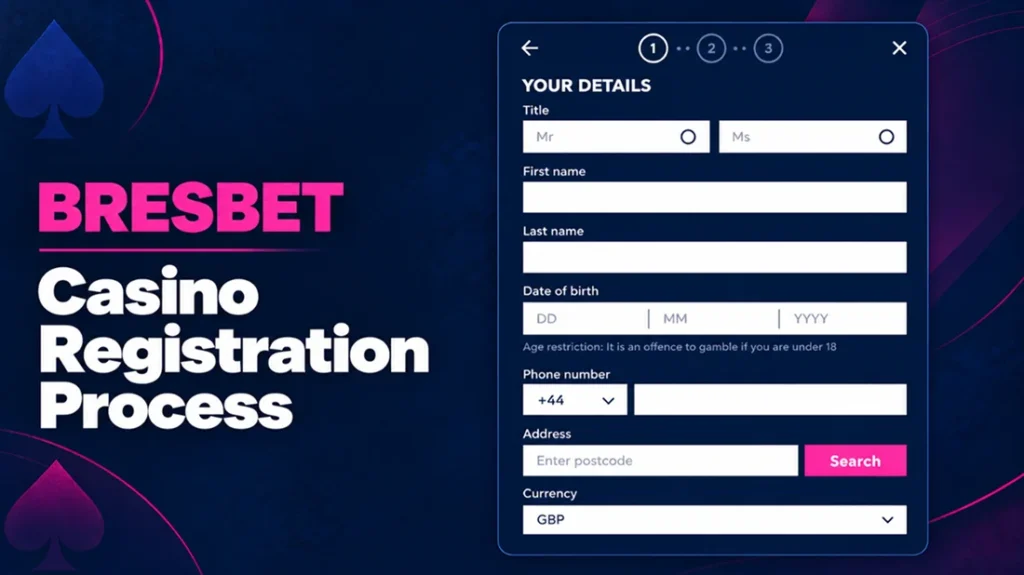
The BresBet sign up form collects the information we need to confirm eligibility and protect the account. Players should use their legal name and current residential address because these details must match any documents requested during verification.
- Select the registration button at the top.
- Enter your full legal name, date of birth and UK residential address.
- Add an active email address and mobile number. We may use them for security messages and account recovery.
- Create secure login details. Choose a unique password that you do not use on another website.
- Review the terms, privacy information and communication preferences. Confirm that you are at least 18 years old.
- Review the available deposit-limit options before adding money to the account.
- Submit the form and complete any email or mobile confirmation step shown on the screen.
- Complete our identity checks when requested. We may ask for a passport, driving licence, proof of address or evidence that a payment method belongs to you.
- Sign in and open the cashier after we approve the required checks.
Clear document photos can help us complete BresBet verification without unnecessary delays. Players should show all four corners of the document and make sure that the name, address and expiry date remain readable.
Login Process and Account Access
Registered players can access their BresBet account through the login button on our website or mobile app. The same account details provide access to the available casino, sportsbook, cashier and personal settings.
- Select Login at the top of the screen.
- Enter the email address linked to your account.
- Enter your password exactly as created. Passwords remain case-sensitive.
- Complete any additional security check shown on the screen.
- Select Login to open your account.
- Check your balance, payments, promotions and recent activity from the account menu.
Players should avoid saving BresBet login details on public or shared devices. Always check the website address before entering a password. If several login attempts fail, use the password recovery option instead of repeatedly entering different details.
Recovering Forgotten Login Details
Select Forgot Password on the BresBet login screen if you cannot remember your password. You should enter the email address connected to your account, then follow the instructions in the recovery message. Create a new password that you have not used on another website.
Check the spam or junk folder if the reset email does not arrive. Players who no longer have access to their registered email address should contact us at [email protected]. We may ask security questions or request proof of identity before changing account access details. Our support team will never ask for a complete password or full payment card number.
BresBet Account Verification Process
We verify each player’s age and identity before allowing real-money gambling. UK rules require online operators to confirm at least the player’s name, residential address and date of birth before play begins.
We may complete the first BresBet verification electronically by comparing the registration details with reliable data sources. If we cannot confirm the information automatically, we will ask the player to upload one or more documents.
| Verification check | Examples of acceptable evidence | What we check |
|---|---|---|
| Identity and age | Valid passport or driving licence | Full name, photograph, date of birth and document validity |
| Residential address | Recent utility bill, bank statement or council tax document | Name and address match the BresBet account |
| Payment ownership | Bank statement, payment account record or partially covered card image | The payment method belongs to the registered player |
| Contact details | Email link or SMS security code | The player controls the registered email address or phone number |
| Source of funds | Payslip, bank statement or another relevant financial document | The origin of funds when additional checks become necessary |
Upload clear colour images that show the entire document. Do not crop important details or cover the name, address, date of birth or expiry date. The information must match the details entered during registration.
Document checks can take longer if an image appears blurred, expired or incomplete. We may also request updated information when account details change or when legal and security checks require it.
Sign Up Bonuses
New eligible players can receive a BresBet sign up bonus – 100 free spins after depositing at least £10 and staking £10 on qualifying slot games. Each free spin has a value of £0.10, which gives the full package a total spin value of £10.
Players have 14 days to complete the qualifying requirements. Once credited, the free spins remain available for 7 days. Winnings from the spins carry no wagering requirement, so players do not need to replay them a set number of times before withdrawal.
Creating a BresBet account alone does not activate the reward. Players must meet the deposit and qualifying-play conditions and use eligible games. The promotion page shows any game restrictions and additional eligibility rules that apply.
Account Security During Registration and Login
We protect account access through identity checks, secure password recovery and controlled access to personal information. Players also need to protect their BresBet login details and use only the official website or app.
We apply security measures to prevent the loss, misuse, alteration or unauthorised disclosure of personal data.
Players can improve login security by using a long, unique password and keeping their registered email account secure. A password manager can create and store a different password for BresBet. Device screen locks, current browser updates and automatic operating-system updates provide further protection.
Never enter BresBet login details after following an unexpected message or unofficial advertisement. Open our website directly or use the official app. We will never ask a player to send a password, recovery code or complete payment card number by email.
Two-Factor Authentication and Login Security
Two-factor authentication adds a second identity check after the password. For example, a player may need to enter a one-time SMS code or approve the login on another device. This extra step can stop access when another person knows or steals the password.
We may request an additional identity or security check during password recovery or after changes to important BresBet account details. Players must never share a one-time code, including with someone who claims to represent customer support.
BresBet Sign Up and Login Issues
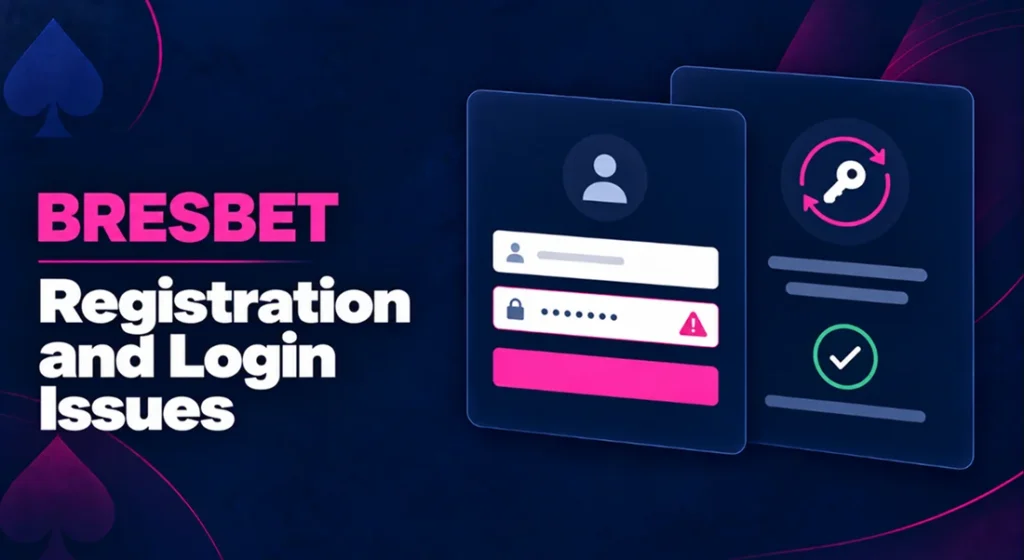
Most access problems come from incorrect account details, expired recovery links, blocked browser settings or incomplete verification. The table below shows the correct action for each common case.
| Issue | Likely cause | Troubleshooting |
|---|---|---|
| Email address not recognised | Typing error or use of a different registration email | Check the spelling and search previous BresBet emails to identify the registered address |
| Password rejected | Incorrect characters, active Caps Lock or an old password | Enter the password again carefully or select Forgot Password |
| Reset email not received | Message filtered as spam or wrong email entered | Check spam and junk folders, confirm the address and request one new reset message |
| Reset link does not work | The link expired or a newer request replaced it | Use the most recent email or request another password reset |
| Account access restricted | Several failed attempts or a required security review | Stop making repeated attempts and contact us |
| Verification document rejected | Blurred image, expired document or details do not match | Upload a clear current document and check the name, address and date of birth |
| Registration already exists | The player previously opened an account with the same details | Do not create another account; recover the original login or contact support |
| Login page keeps reloading | Browser cookies or JavaScript are blocked | Enable required browser functions, clear the BresBet cache or try an updated browser |
| Mobile app will not open | Old app version, limited storage or damaged installation | Update the app, restart the device or reinstall it from the official store |
| Access fails while using a VPN | The service cannot confirm the player’s real location | Turn off the VPN and connect from a permitted location |
Players should include their registered name, date of birth and email address when contacting support. Do not send identity documents in an ordinary email unless our support team provides clear and secure upload instructions.
Frequently Asked Questions
No. Creating a BresBet account is free. Players only use money when they choose to make a deposit or place a real-money bet.
Yes, but we may request evidence of the change. Examples include a marriage certificate, deed poll or updated photo ID. Contact support before uploading any document.
Yes. Registration does not require a player to deposit. Contact our support team if you created an account but no longer want to use it.