
BresBet App in the UK for Sports and Casino
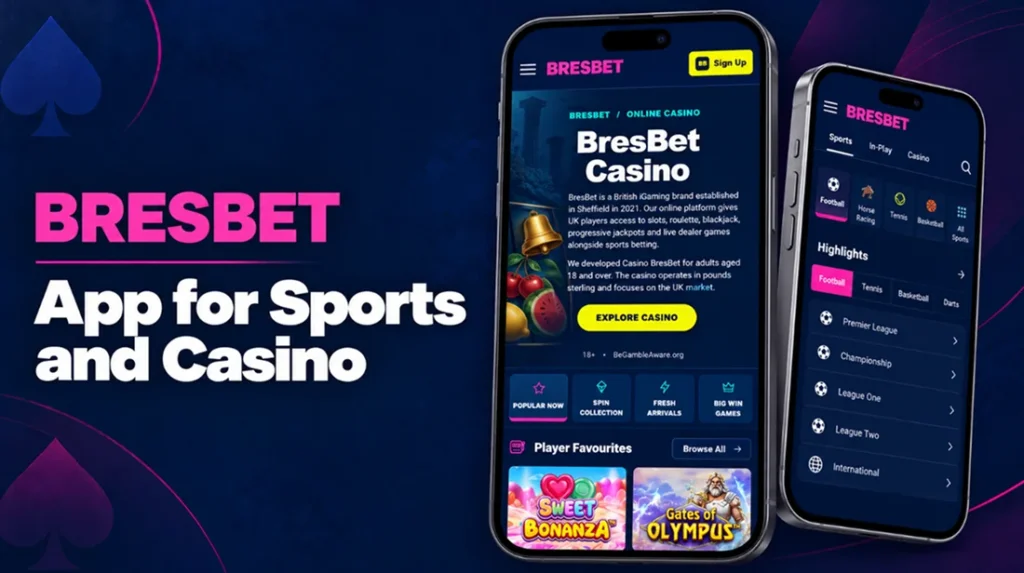
The BresBet app gives UK players mobile access to sports markets, casino games and account controls through one interface. Players can follow horse racing, greyhounds and football, place pre-match or in-play bets, and open the casino without creating a separate account.
Our official iPhone app is free to install and has a download size of 22.6 MB. It requires iOS 15.6 or later and supports account registration, login, sports betting, casino games and the Free Spin Club. The app carries an 18+ age rating.
Android players should use only the store link published on our official website. If an official Android version is not displayed, the mobile website provides access through Chrome and other supported browsers without a BresBet APK installation.
App Advantages Compared with the Website
The app and mobile website connect to the same account and balance. The main difference concerns how players open the platform, receive updates and move between mobile sections.
| Feature | BresBet app | Mobile website |
|---|---|---|
| Access | Open directly from the home-screen icon | Enter the website address or use a browser bookmark |
| Sports and casino | Sportsbook, in-play, casino and account sections in one app | The same main products through the browser menu |
| Push notifications | Can provide account and event notifications when enabled | Browser notifications depend on device and browser settings |
| Direct links | Supported links can open specific app content | Links open as normal browser pages |
| Screen modes | Supports portrait and landscape layouts | Layout adjusts to the browser and screen position |
| Updates | Installed through the official app store | Website updates appear automatically |
| Device storage | Uses approximately 22.6 MB on iPhone | No app installation or dedicated storage required |
| Login | Account details remain available within the app session | Browser may request login again after cookies expire |
| Compatibility | iPhone with iOS 15.6 or later | Useful for Android, tablets and devices without the app |
| Internet connection | Required for live odds, games and account activity | Required for all real-time functions |
The app BresBet works well for regular mobile access because it places the platform directly on the device and supports push notifications. Version updates have added universal links, landscape mode and performance improvements.
The website remains useful when players do not want to install software or use a shared device. Both options require a stable internet connection, and casino or live dealer games may use more mobile data than ordinary sportsbook pages.
BresBet App Download and Installation
The installation method depends on the operating system. iPhone users can download the verified BresBet application from Apple’s App Store, while Android users should follow only the official Google Play link published on the BresBet website.
We do not recommend downloading an APK or installing an application from an independent website. An unofficial app may use the BresBet name or logo without belonging to BresBet Ltd.
iOS App Installation Process
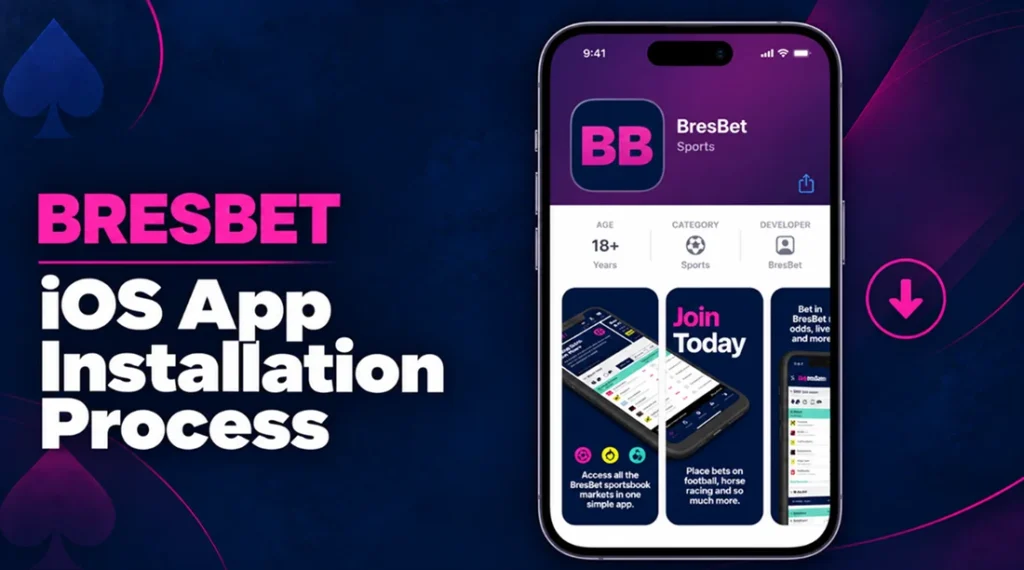
The official iOS software is listed under BresBet Ltd and has an 18+ age rating. Its current download size is approximately 22.6 MB, and it requires iOS 15.6 or later.
Follow these steps to install it:
- Open the Apple App Store on your iPhone.
- Search for BresBet or follow the App Store button on our website.
- Check that the developer is BresBet Ltd.
- Confirm that the application has an 18+ rating.
- Select Get and approve the download with Face ID, Touch ID or your Apple ID password.
- Wait for the installation to finish and open the app.
- Sign in with your existing BresBet details or select Join to create an account.
If the installation cannot start, check your iOS version, available storage, internet connection and App Store region. The BresBet app may not appear if device-level age restrictions prevent access to 18+ applications.
BresBet Android App Download Process
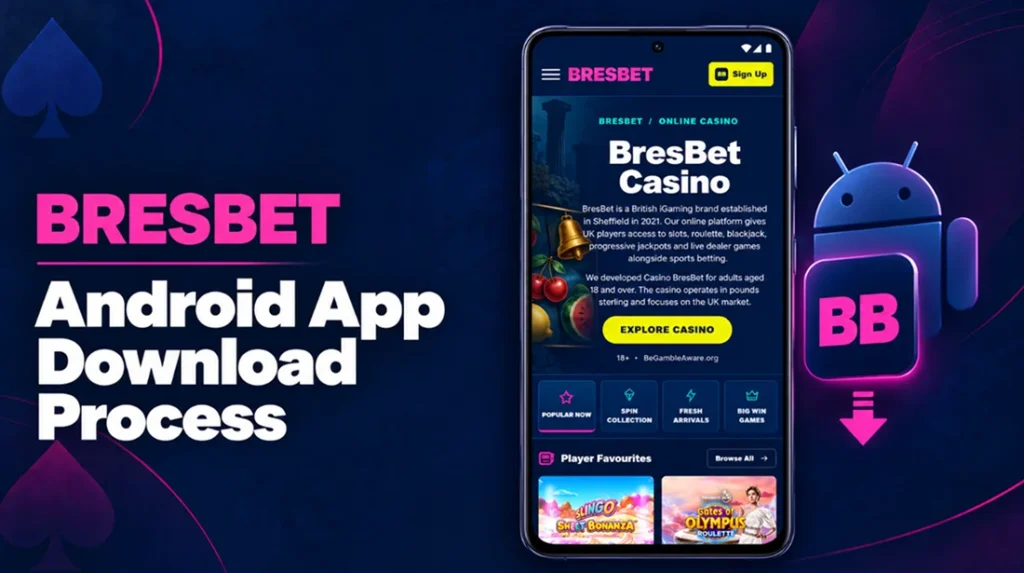
Players should access the BresBet Android app only through the official website.
Use the following process:
- Open the BresBet website in Chrome on your Android device.
- Select Get the App and look for the Google Play button.
- Follow the link to the store listing.
- Check the developer name, age rating and contact information.
- Select Install.
- Open it and sign in with your account details.
Alternatively, you can use the mobile browser version instead. Do not download a BresBet APK from a third-party platform or enable installation from unknown sources. A similarly named application does not confirm that it belongs to our betting service.
How to Play Casino via the BresBet Mobile App
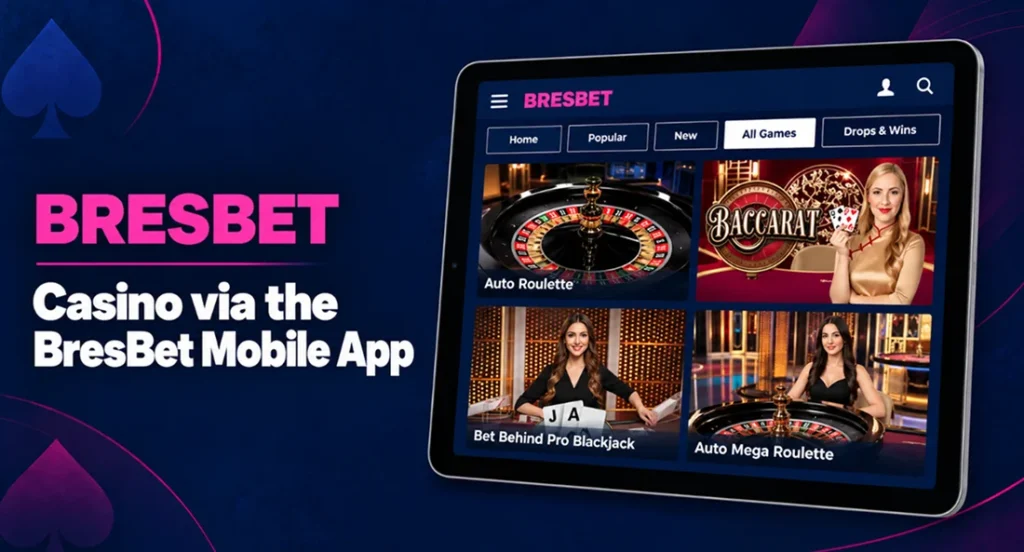
The BresBet mobile app provides access to slots, table games and live casino tables from the same account used for sports betting. Your cash balance and account controls remain connected across the app and website.
Follow these steps to start a casino game:
- Open the app and sign in.
- Select Casino or Live Casino from the main navigation.
- Browse the available categories or use the search function.
- Choose a game such as Gates of Olympus, Sweet Bonanza, Fishin’ Frenzy Megaways, live roulette or live blackjack.
- Open the information panel to check the rules, RTP and available stake range.
- Select a stake that fits your budget.
- Start the game and use the on-screen controls.
- Review completed stakes and results in your account history.
The app BresBet uses the same game servers as the website, so switching devices does not change a game’s rules or mathematical settings. Some live dealer tables have fixed schedules and table limits. Slots and live games may also become temporarily unavailable during provider maintenance.
A stable connection is important. Live tables use continuous video and normally consume more mobile data than slots or sportsbook pages. Wi-Fi can provide a more stable experience when the mobile signal is weak.
System Requirements and Compatibility
The BresBet Android app and software for iOS do not require a high-end phone, but the device must support the required operating system and maintain a reliable internet connection. The table below separates confirmed requirements from browser-based options.
| Platform | Requirement or compatibility | Installation | Useful fact |
|---|---|---|---|
| iPhone | iOS 15.6 or later | Apple App Store | Official app size is approximately 22.6 MB |
| iPad | No separate native iPad version | Use the mobile website or compatible iPhone version where supported | The browser layout adjusts to the larger screen |
| Android phone | Exact native-app requirement depends on the current verified Google Play release | Google Play link from the official website | You can use the mobile website to play |
| Android tablet | Recent version of Chrome or another supported browser | No installation required for browser access | A larger screen can make live tables easier to view |
| Mobile browser | Current Safari, Chrome or Edge version | None | JavaScript and cookies must be enabled for login and games |
| Internet connection | Mobile data or Wi-Fi | Not applicable | Live odds and casino games require a continuous connection |
| Account access | Verified account for real-money play | Same login across supported devices | Players do not need separate casino and sportsbook accounts |
| Language | English | Set automatically | The current iPhone listing provides English only |
| Age requirement | 18 or over | Age and identity checks apply | Device controls may hide gambling apps from underage users |
The iPhone application supports universal links, push notifications and landscape mode. Its version history also records regular performance, stability and navigation updates.
Keep the operating system, browser and app updated. Older software can cause login loops, blank game windows, interrupted video or problems opening payment verification screens.
Notifications and Mobile Account Features
The BresBet iPhone app supports push notifications and direct links to selected app content. Players can use these alerts to follow relevant updates without checking the app throughout the day.
Notifications include event reminders, sports updates and promotional messages. Their exact content depends on the current app version and each player’s communication settings. Players can allow, mute or disable BresBet mobile alerts through their phone settings. We recommend hiding notification previews on the lock screen if other people can access the device.
One login connects the available sportsbook and casino sections. After signing in, players can check their balance, review account information and access available payment or promotional features. Some menus may vary according to the app version, verification status and account settings.
BresBet App Updates and Availability
We release BresBet mobile app updates to improve speed, stability and navigation. Players should install the latest official version to receive current features, security fixes and technical improvements.
The UK App Store currently lists BresBet version 4.1.42 for iPhone. Earlier updates added push notifications, universal links and landscape support.
Players can enable automatic updates in their device settings or update the app manually through the App Store.
Availability can also depend on the device, store region and current gambling permissions. UK players should check our latest official notice and the UK Gambling Commission register before using the app with real money.
FAQ
No. Removing the app only deletes it from the device. Your account remains active unless the player requests account closure or we close it under our terms.
Players can normally sign in on another personal device with the same account details. We may request an extra security check after a login from a new device or location. Players should always log out when using a shared phone or tablet.
Access depends on the laws and gambling restrictions in the player’s current location. Some services may become unavailable abroad. Players should not use a VPN or another tool to hide their real location.